
📖
Read
Summarize, translate, extract key points, answer questions about the page
Read, write, and scrape the tab you're on — chat like a normal chatbot, AI drives the tools
↑ 真的侧边栏在真的 DOM 上工作。这是预置页面,不是在线试用 —— 装上扩展后可以在任意网站上用。
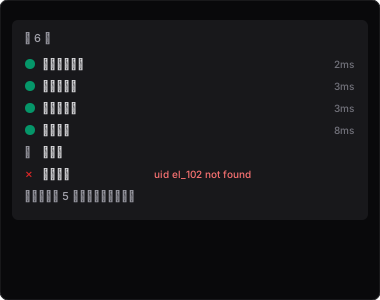
One row per tool call; click to expand. Feels like a normal chatbot.
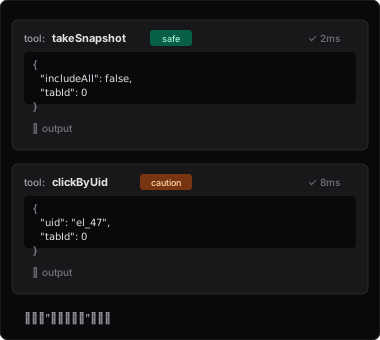
Every step shows full args + output. Developer-friendly.
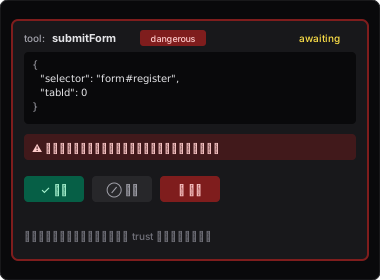
Submit form, upload file, cookied requests — all require manual approval.
Chat directly in the browser side panel. Load the zip; each tab gets its own session.
Install →Expose the browser as an MCP tool to your coding agent and drive real web pages.
Configure MCP →Dispatch tool steps from a server; batch scraping across machines or remote regression testing.
Protocol docs →chrome://extensions → Developer mode → Load unpacked → select the dist/ folder.
Click the extension icon → Settings → set Provider / Model / API Key → open the side panel → send your first prompt.